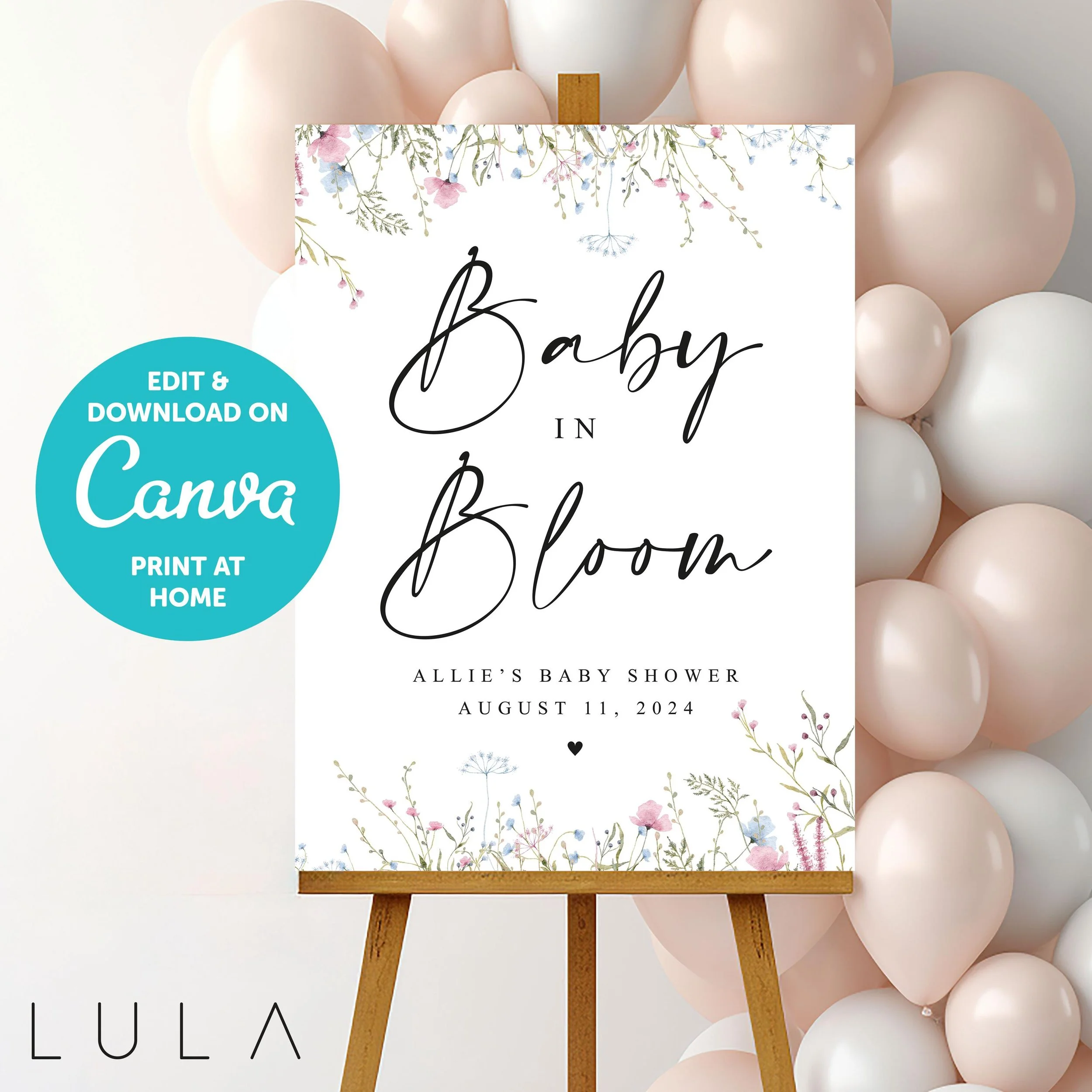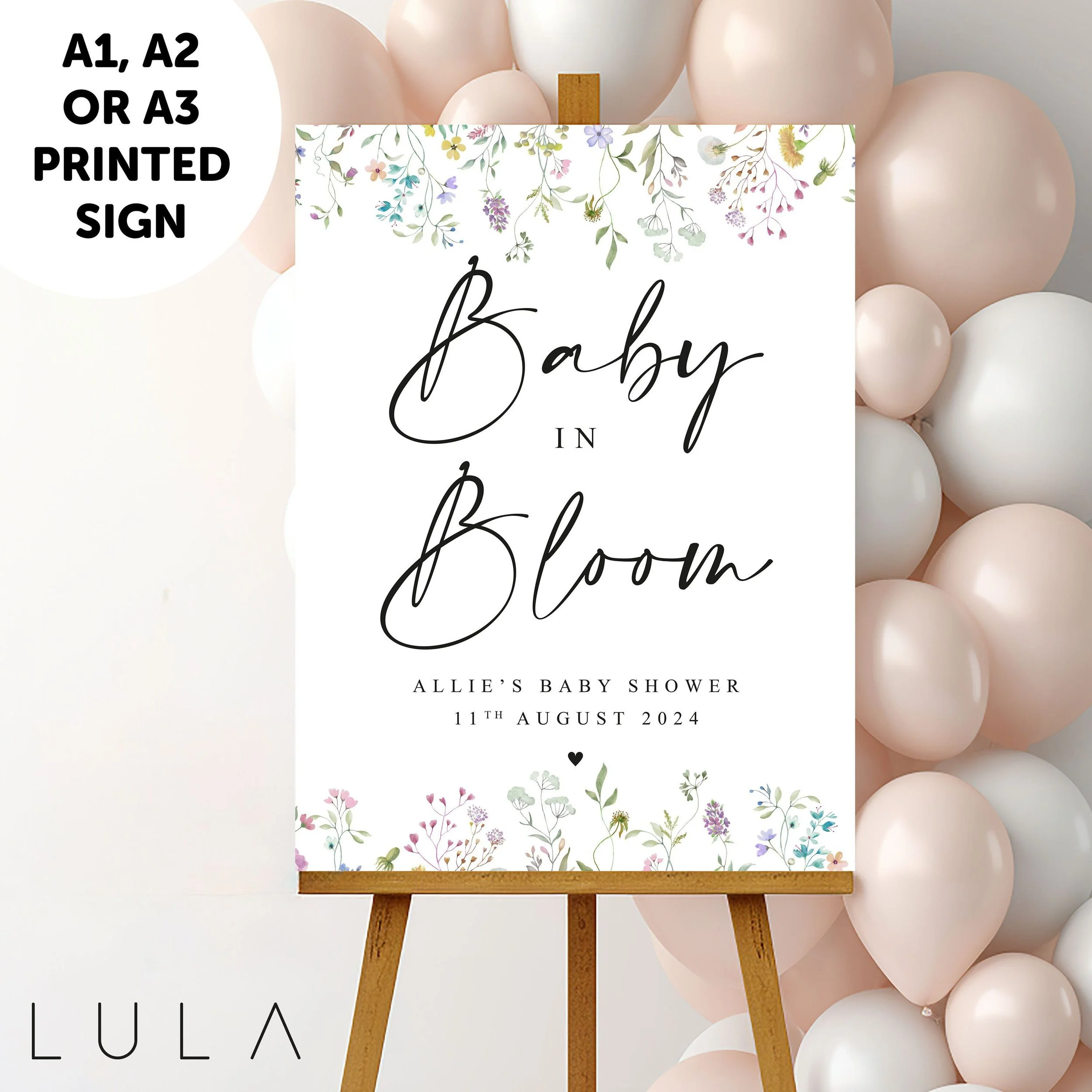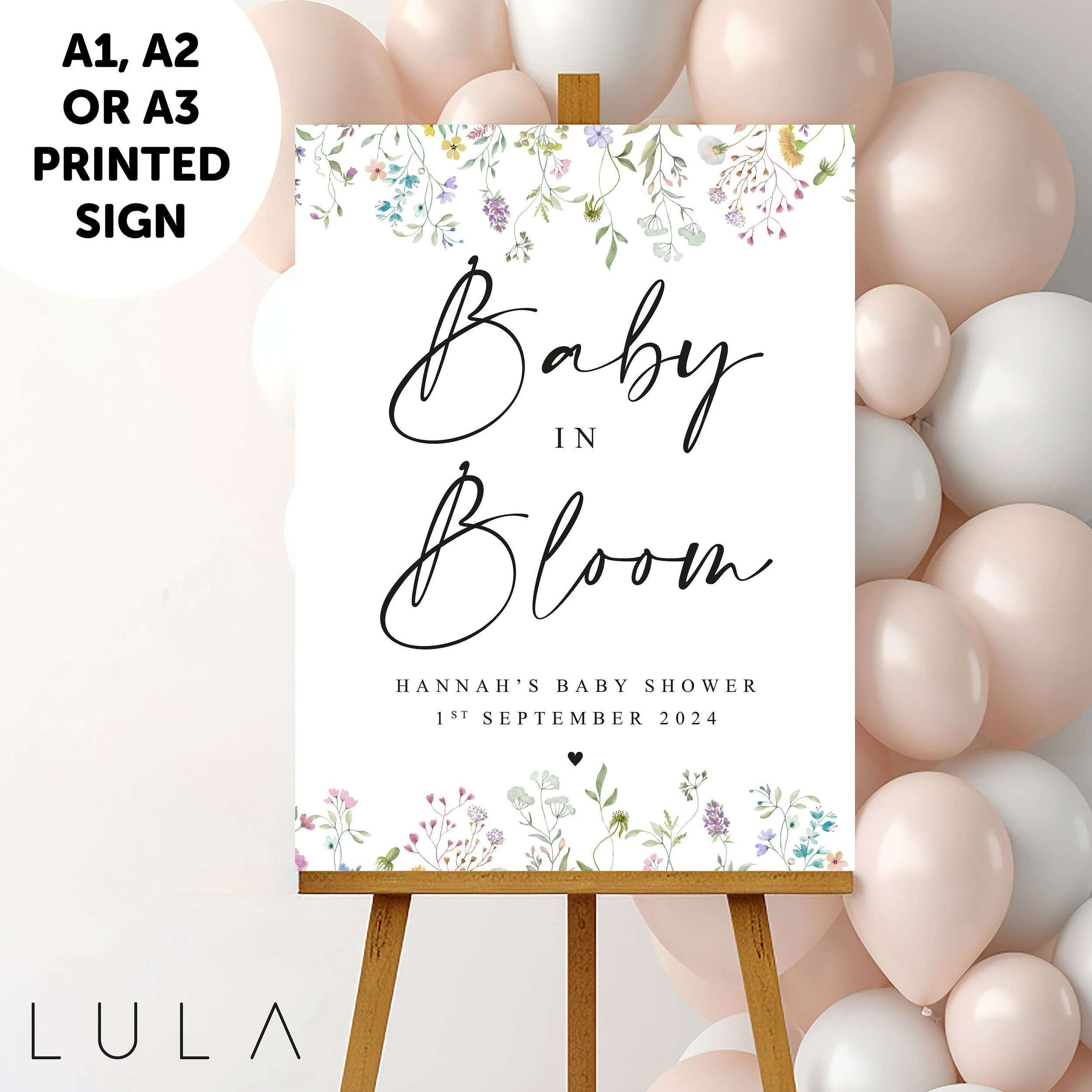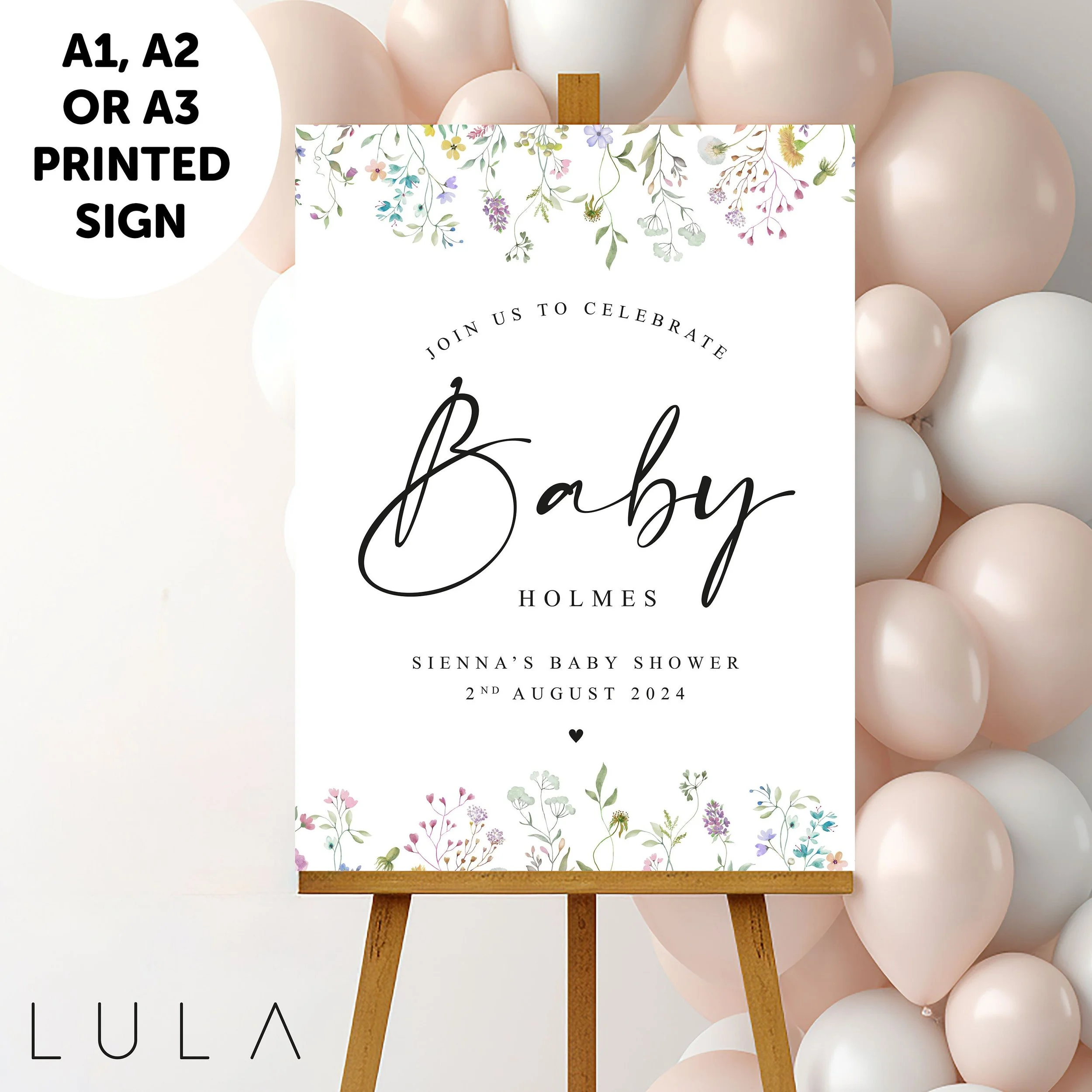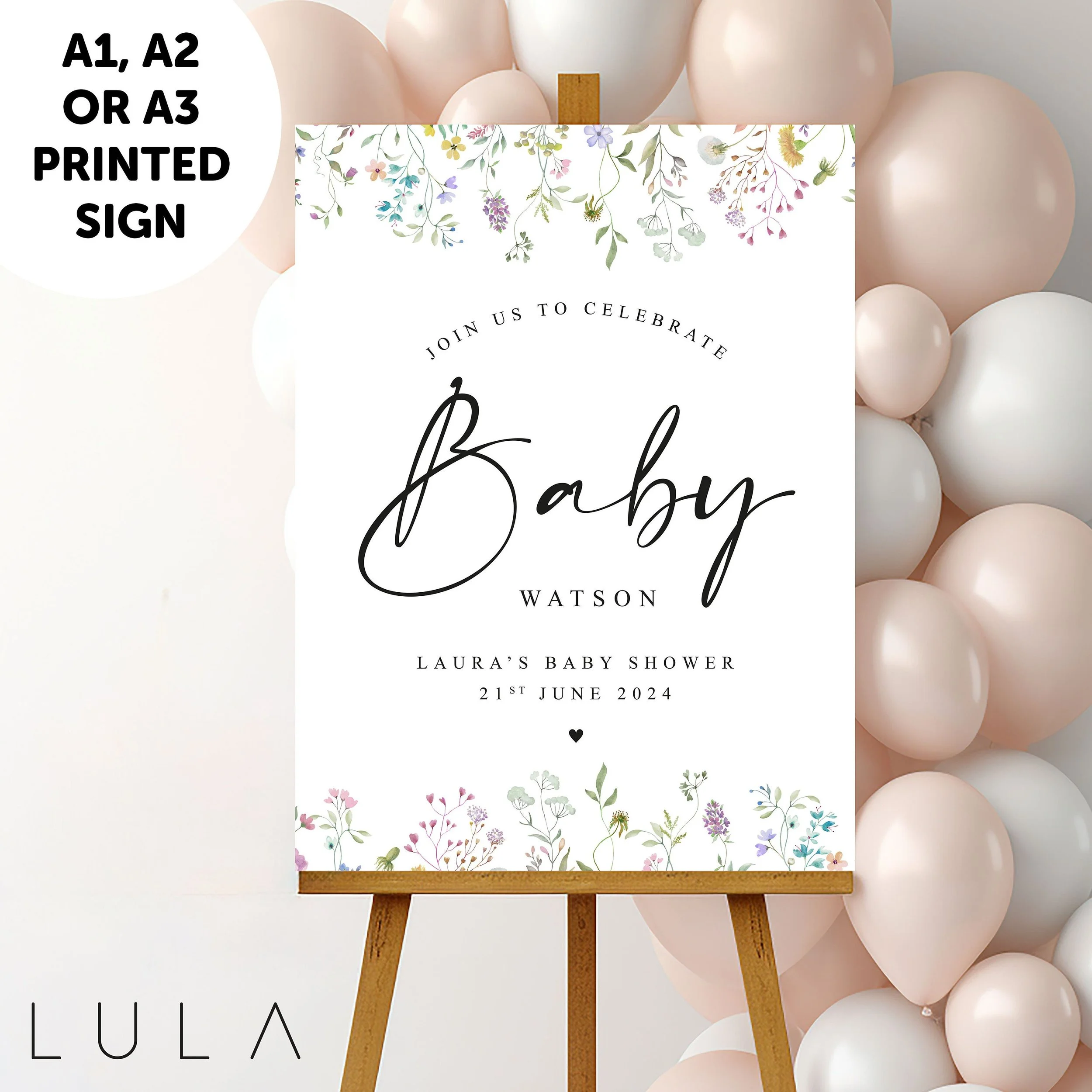
PERSONALISED Canva Template Instant Download Pink Blue Floral Baby Shower Sign Wildflower Baby Shower Party Baby Welcome Sign Baby in Bloom

£3.00
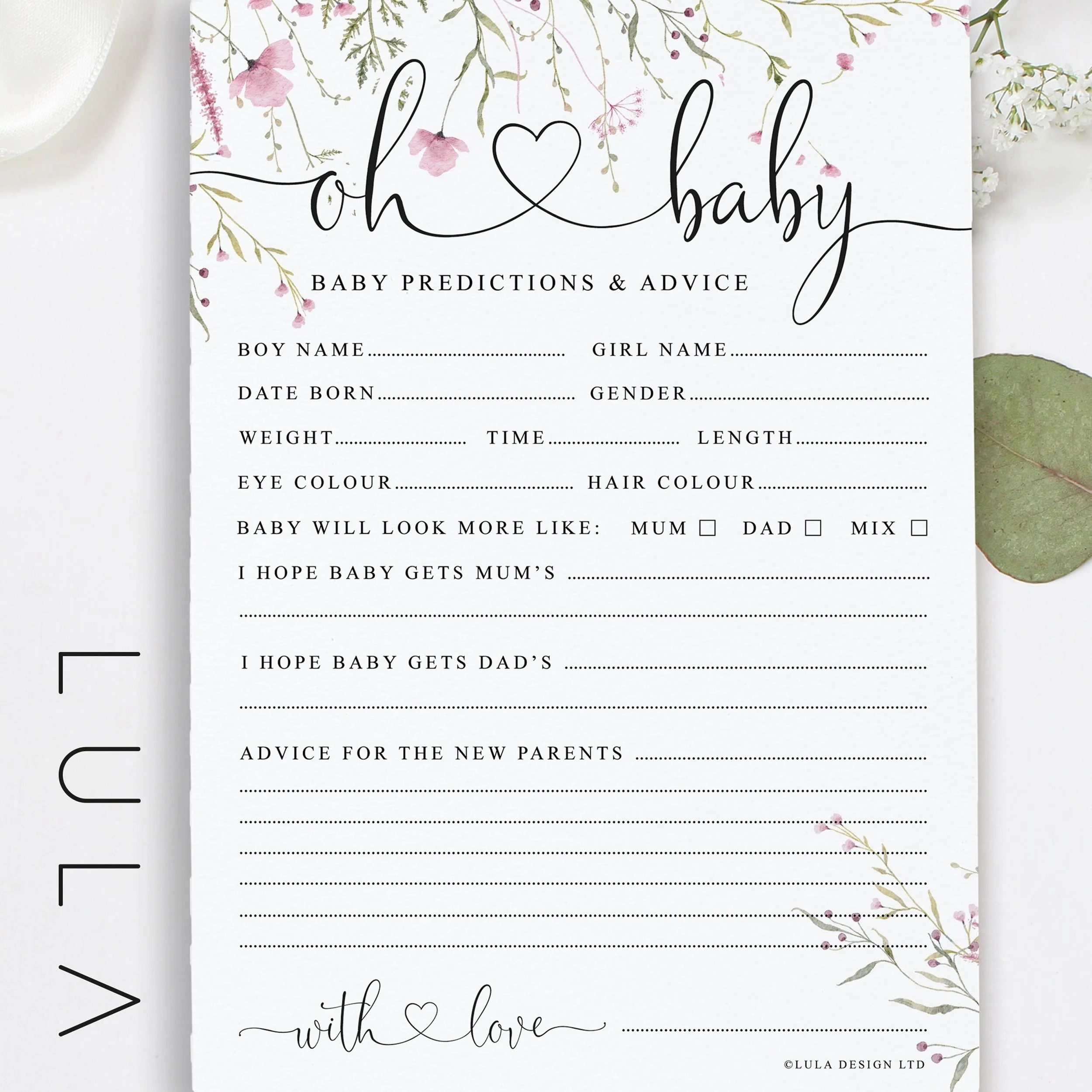
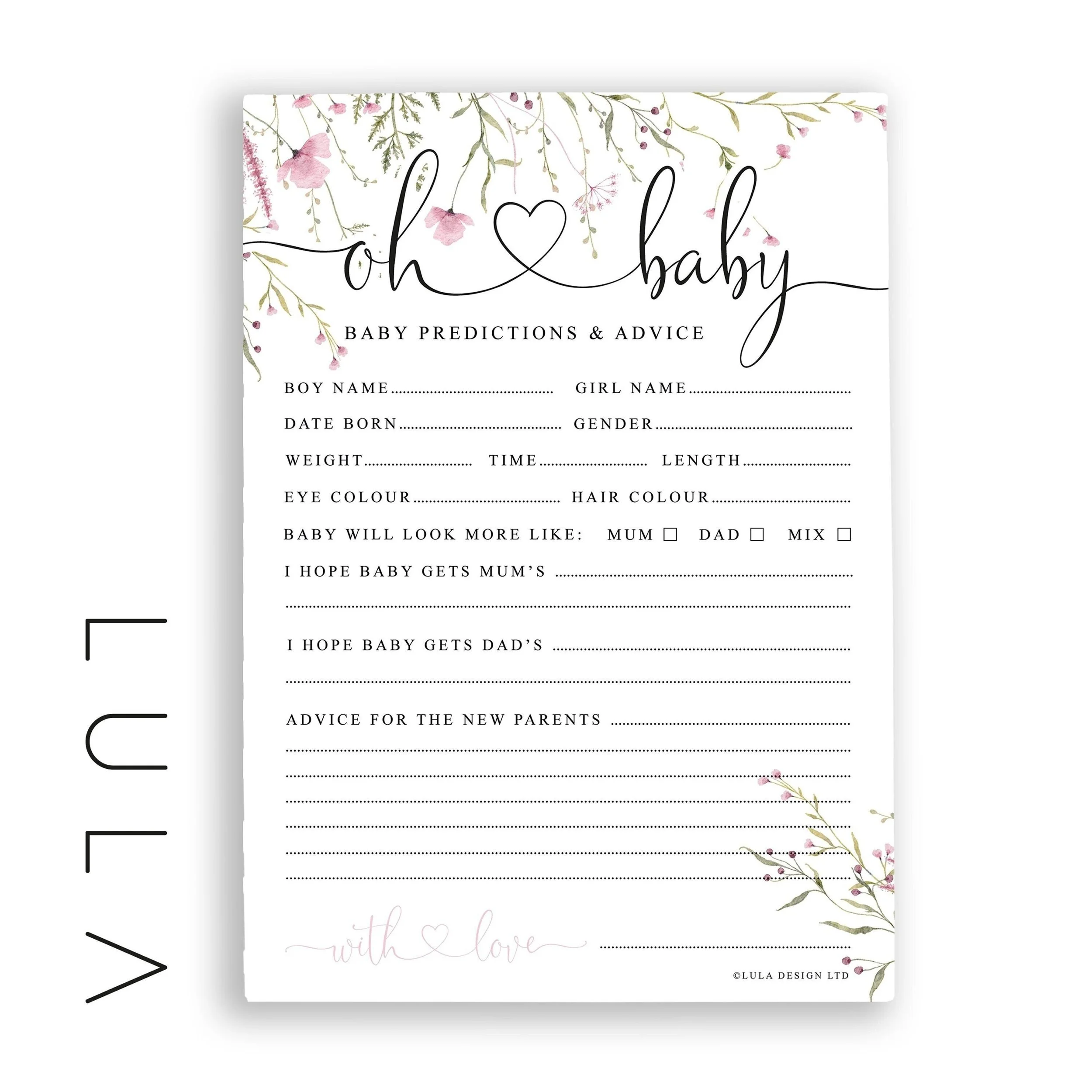
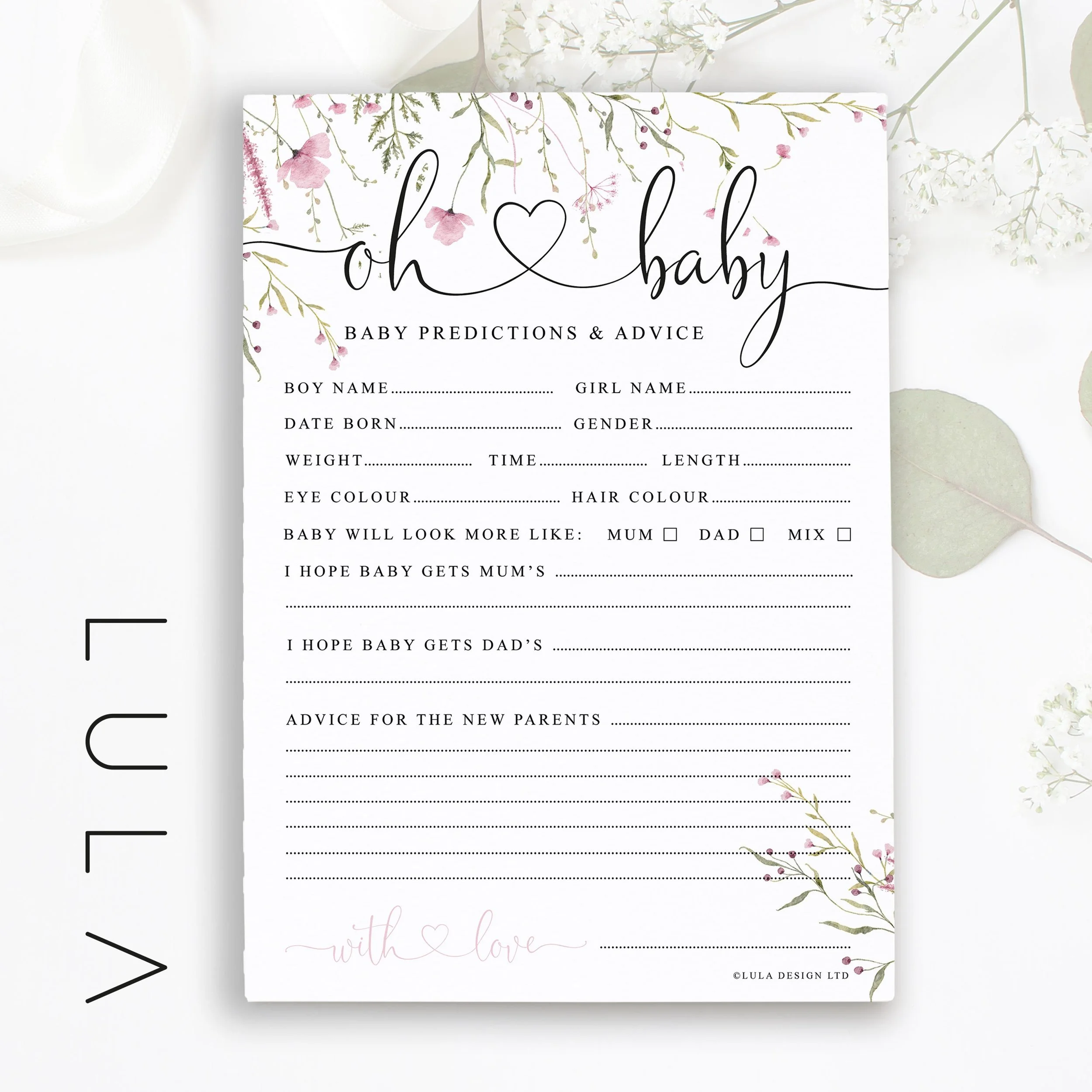
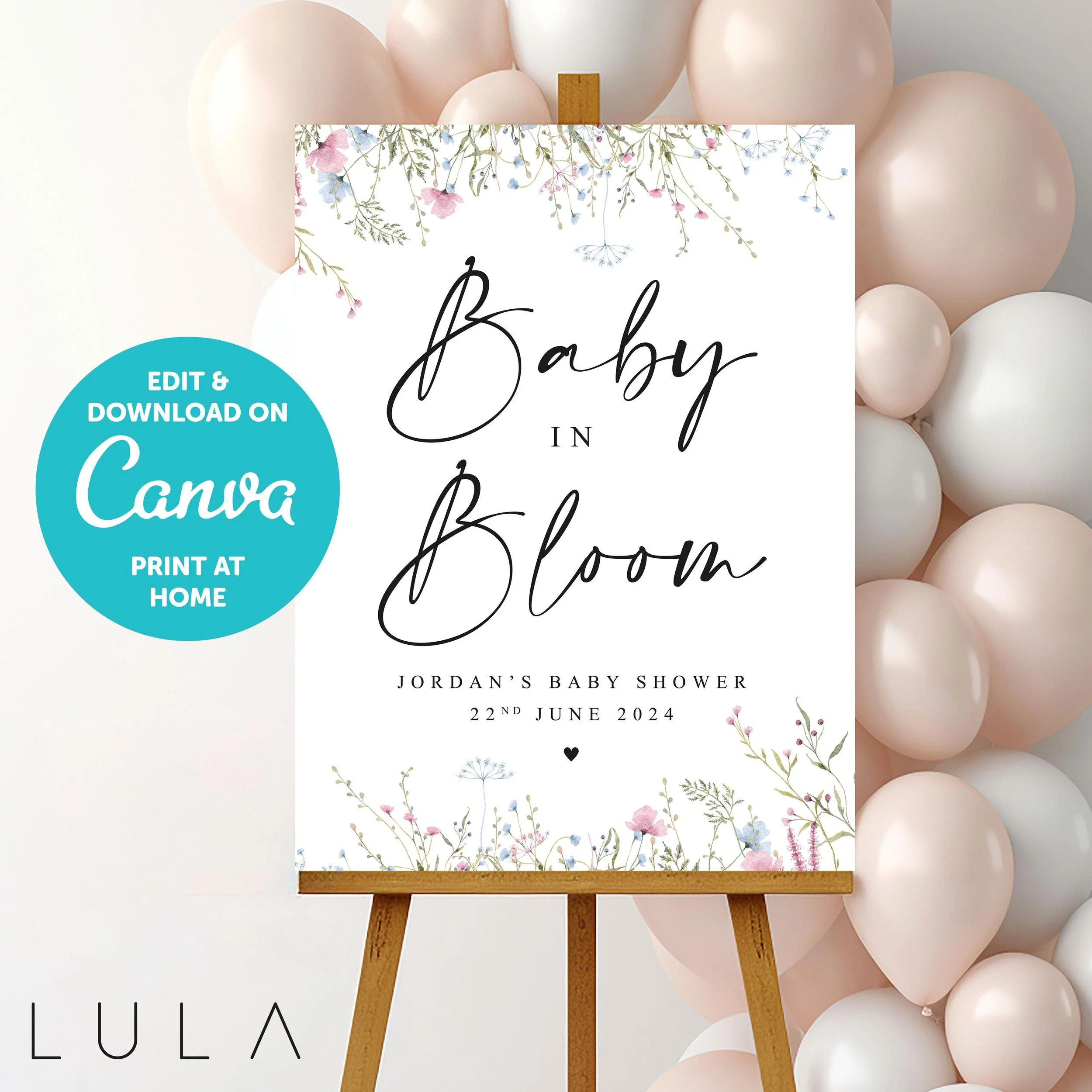
🤍 PERSONALISED PINK & BLUE BABY IN BLOOM INSTANT CANVA TEMPLATE DOWNLOAD BABY SHOWER SIGN 🤍

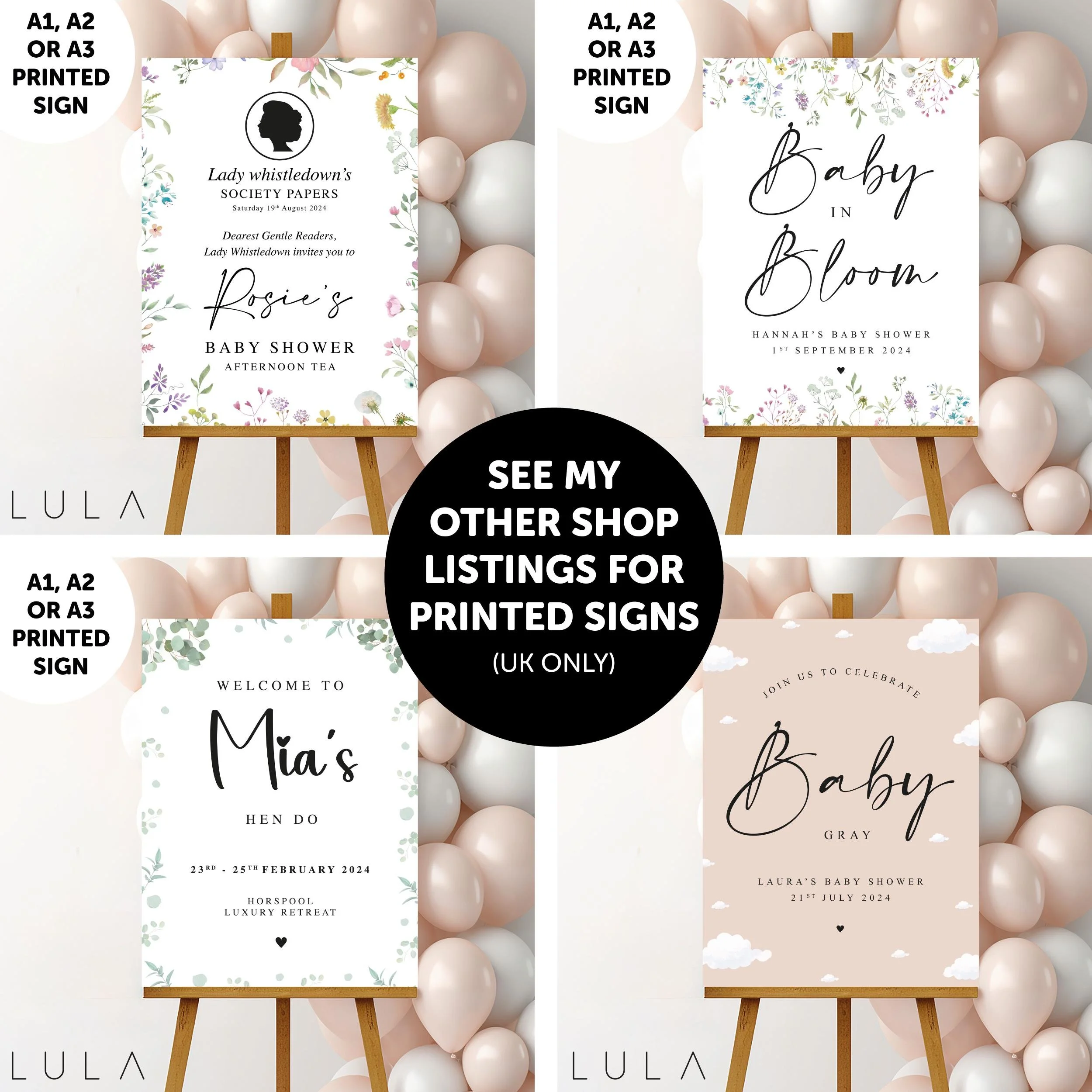
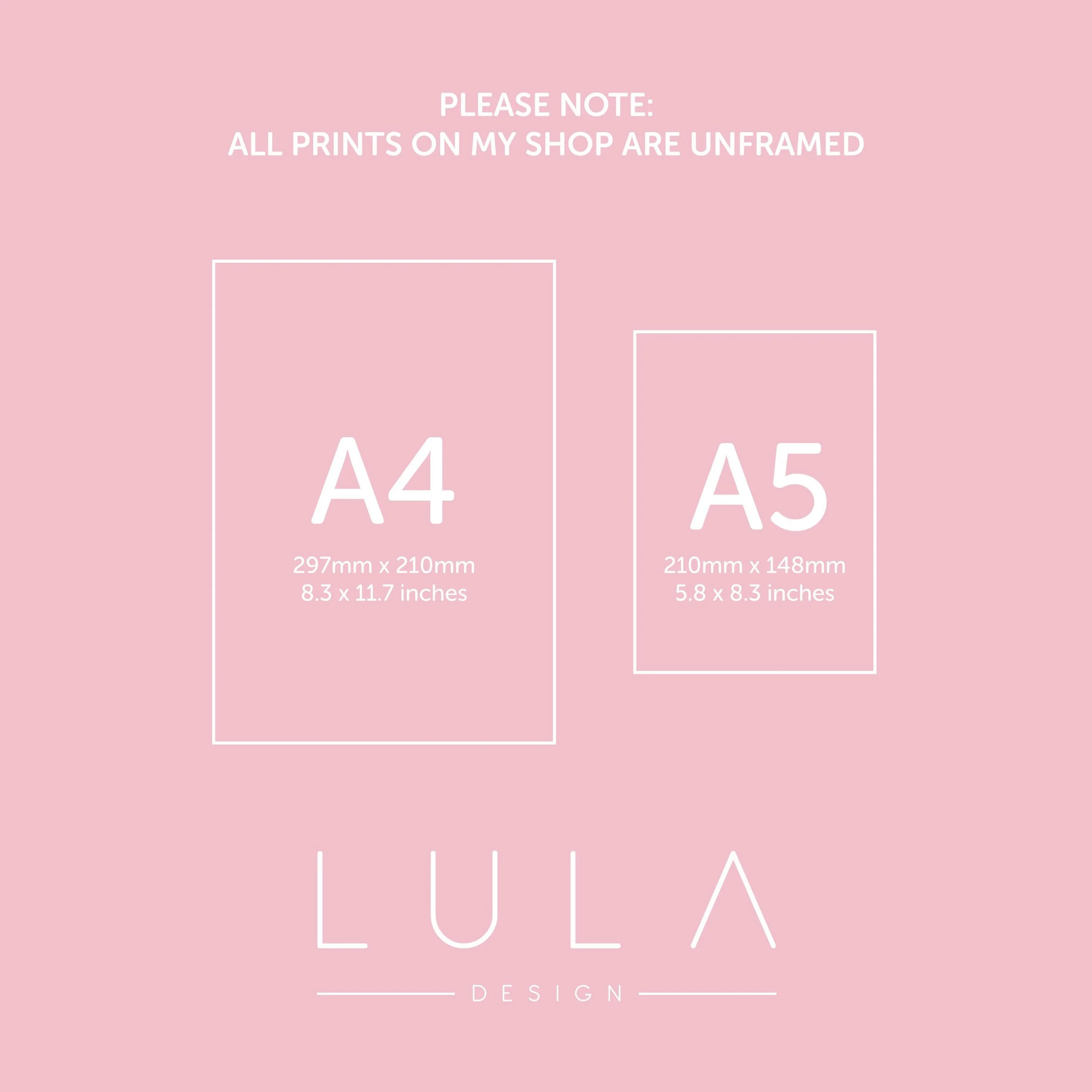
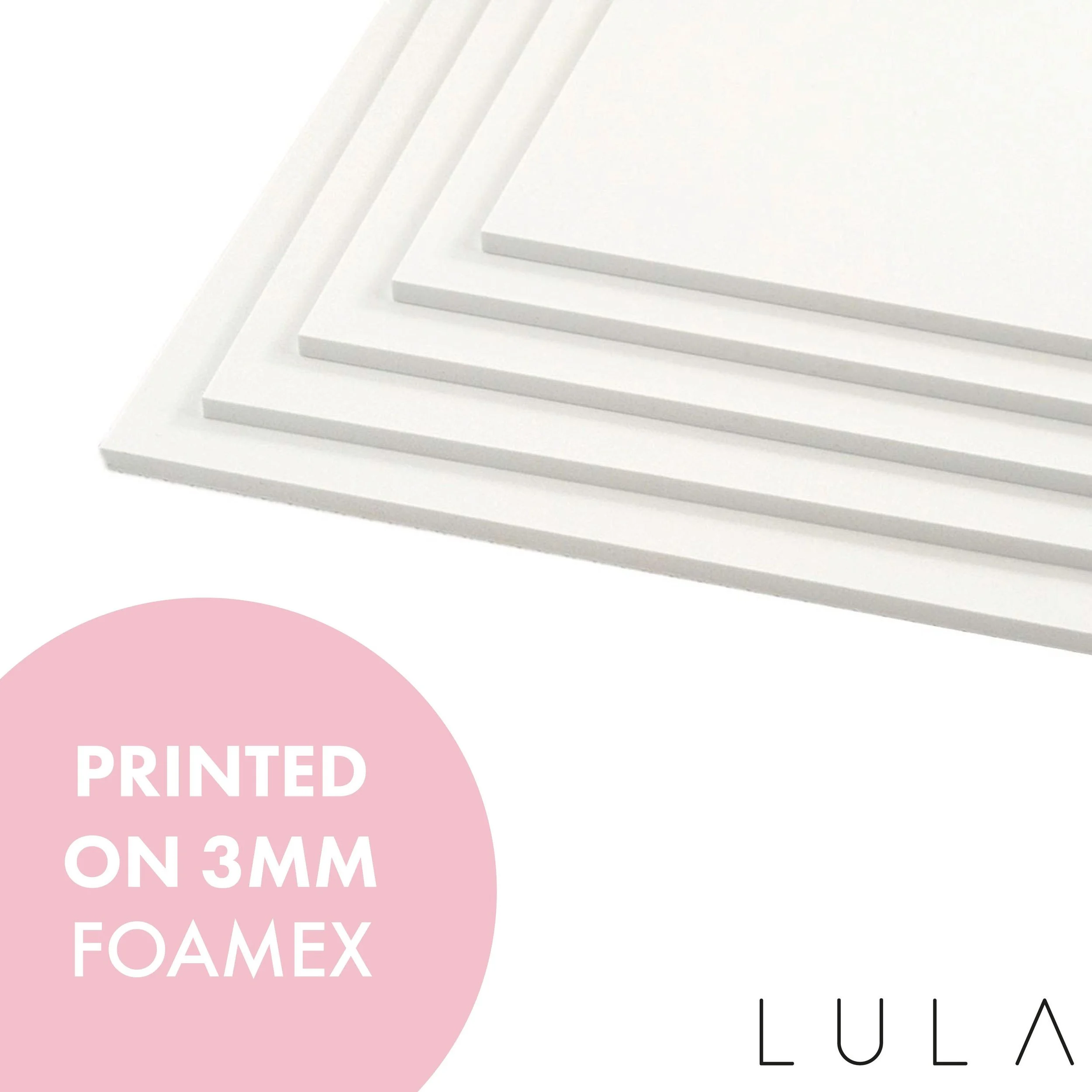
Choose from A3, A2, A1 PRINTED SIGN
or a Personalised DIGITAL DOWNLOAD for instant printing at home or a local print shop

- FULLY EDITABLE
- CHANGE ANY BITS OF THE TEXT THAT YOU REQUIRE.

- - - - - - - - - - - - - - - -

⭑ © Copyright ⭑
I designed and wrote this poem after having my first child.
Copyright ©LulaDesign 2022. All rights reserved.

- - - - - - - - - - - - - - - -

This DIY printable Print is fast and easy to personalise. You can access the digital files directly after purchase and edit using CANVA - a web based template editor that works in your browser, and also on your mobile or tablet! No need to install software or download fonts. All text is 100% fully editable.

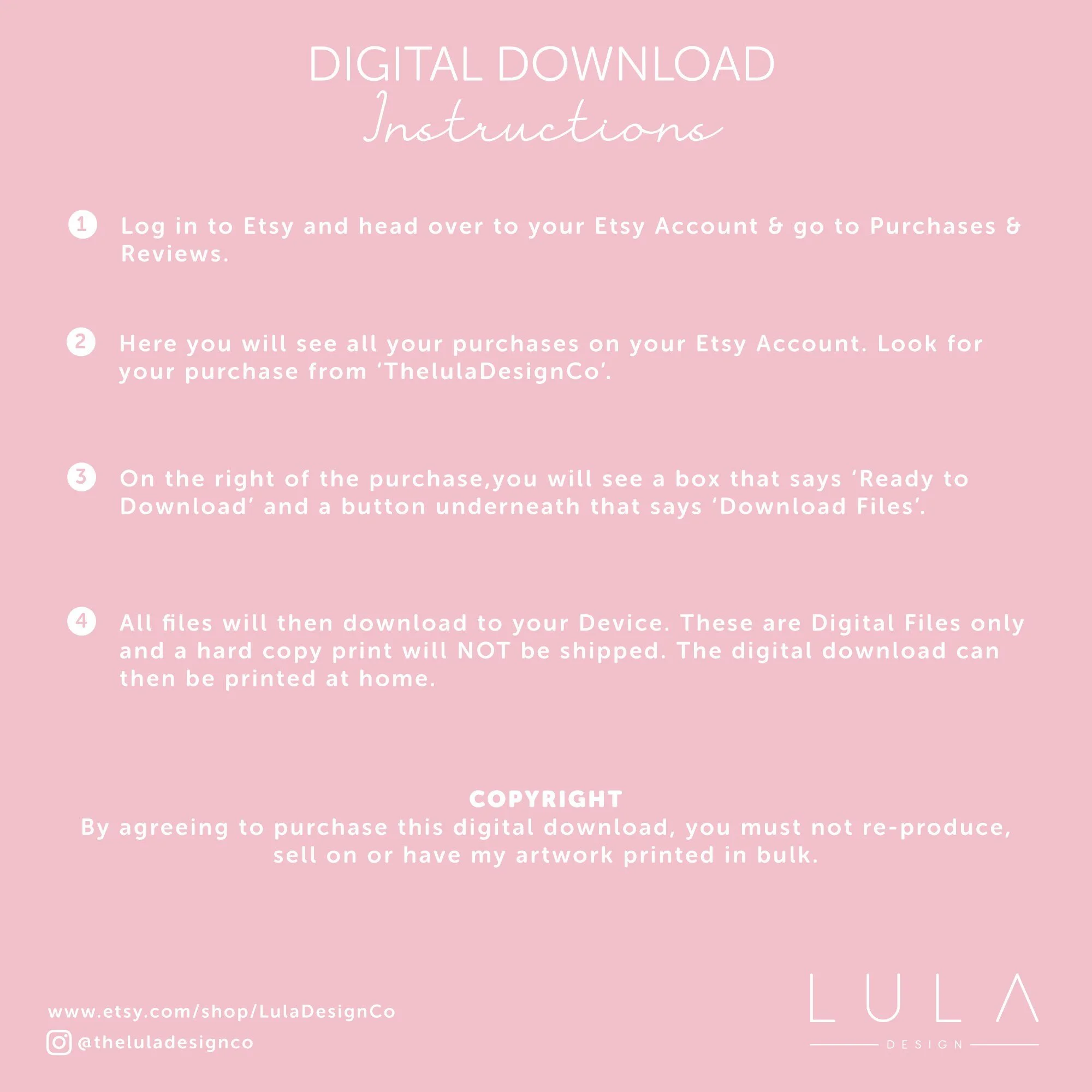
YOU WILL NOT RECEIVE ANYTHING IN THE POST. THIS PURCHASE IS FOR AN EDITABLE INSTANT DOWNLOAD.

- - - - - - - -

⭑ HOW TO EDIT ⭑

Edit your items at Canva
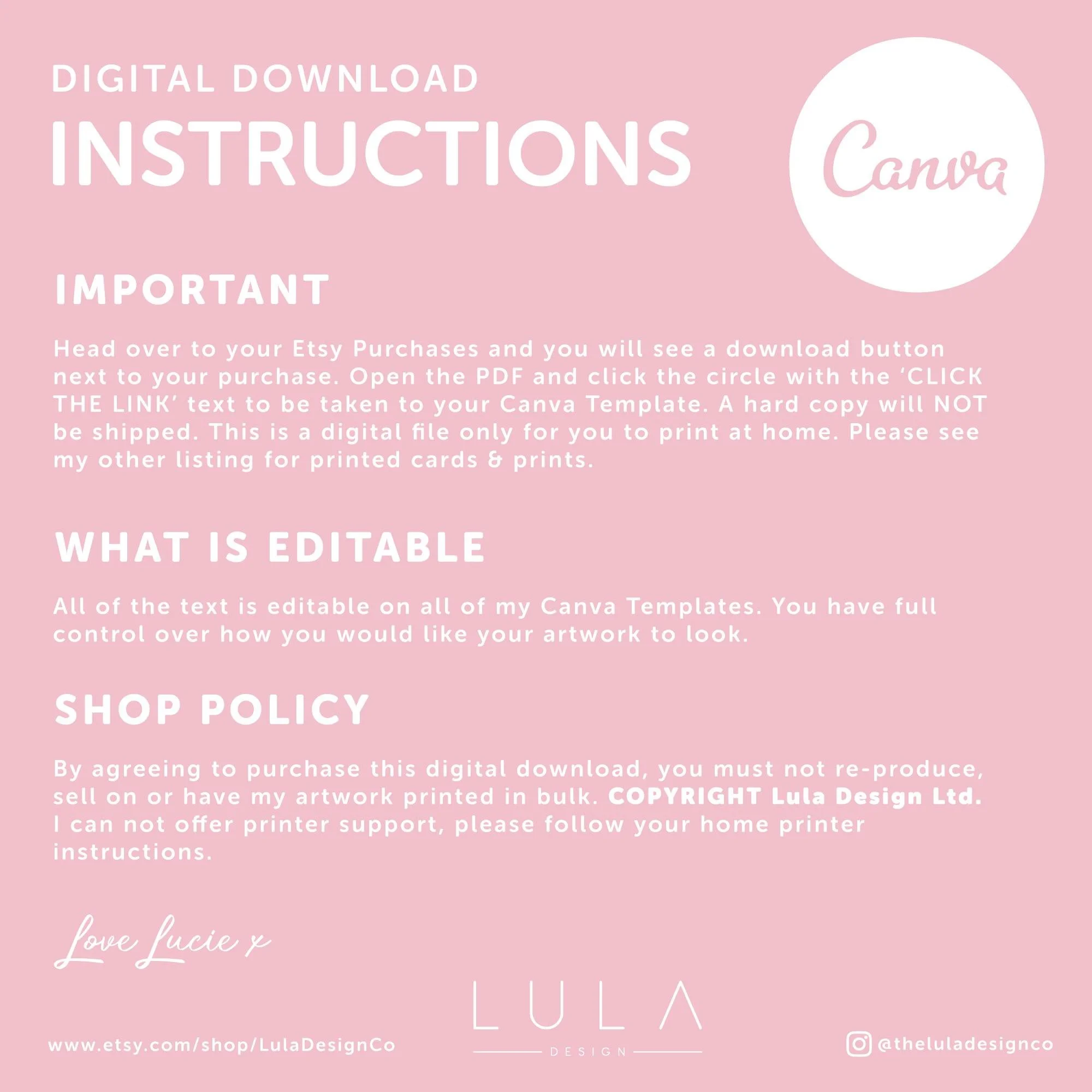
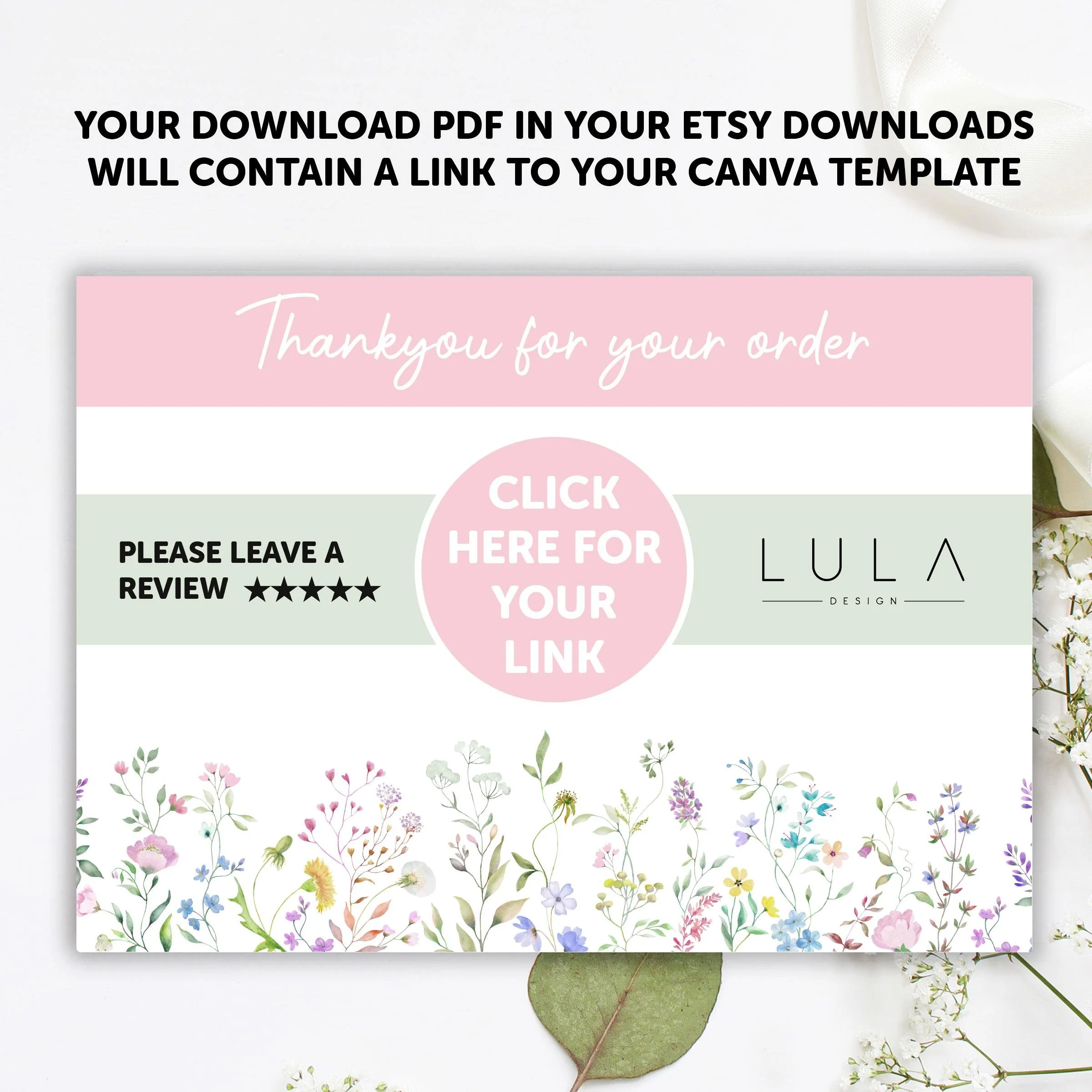
• No waiting! You’ll have access to your item right after purchasing with a link on the attached PDF.
• No need to download any software. Personalise this item right in your browser.
• Personalise using your computer, or make basic edits using your phone or mobile device
• Easy to use platform. Download and print immediately after personalising.
• Move, edit, delete or add text
• Change text size or colour
• If you don’t love the fonts I’ve used there are plenty of others to choose from
• Duplicate pages
• Add images
• Edit with a computer or your mobile device (on mobile devices you can only edit text)
• Save as a high quality JPG or PDF file
• Print with or without trim marks and bleed

1. Personalise your items, then save
2. Download your files and print at home or have professionally printed. Download as JPG or PDF. For home printing make sure your print settings are set to print at actual size or 100%.

- - - - - - - -

⭑ BEST TIPS FOR USING CANVA⭑

• Canva works best in Chrome, Firefox or Microsoft Edge browsers. Please do not use Safari browser as it is often glitchy. For use with mobile devices you can only replace current text rather than change the colour etc.

• Due to colour variations on screens, there may be a slight difference in colour from monitor to printing. I always recommend a test print if possible, as I can’t change the colours as they print!

• As this is a digital product, there are NO REFUNDS available. Please contact me with any questions prior to purchase. This item is strictly for personal use. You may not copy, share, sell or distribute the file, or printed items made from the file, in any form.

- - - - - - - -

⭑ © COPYRIGHT - LULA DESIGN LTD ⭑
🤍 PERSONALISED PINK & BLUE BABY IN BLOOM INSTANT CANVA TEMPLATE DOWNLOAD BABY SHOWER SIGN 🤍

Choose from A3, A2, A1 PRINTED SIGN
or a Personalised DIGITAL DOWNLOAD for instant printing at home or a local print shop

- FULLY EDITABLE
- CHANGE ANY BITS OF THE TEXT THAT YOU REQUIRE.

- - - - - - - - - - - - - - - -

⭑ © Copyright ⭑
I designed and wrote this poem after having my first child.
Copyright ©LulaDesign 2022. All rights reserved.

- - - - - - - - - - - - - - - -

This DIY printable Print is fast and easy to personalise. You can access the digital files directly after purchase and edit using CANVA - a web based template editor that works in your browser, and also on your mobile or tablet! No need to install software or download fonts. All text is 100% fully editable.

YOU WILL NOT RECEIVE ANYTHING IN THE POST. THIS PURCHASE IS FOR AN EDITABLE INSTANT DOWNLOAD.

- - - - - - - -

⭑ HOW TO EDIT ⭑

Edit your items at Canva
• No waiting! You’ll have access to your item right after purchasing with a link on the attached PDF.
• No need to download any software. Personalise this item right in your browser.
• Personalise using your computer, or make basic edits using your phone or mobile device
• Easy to use platform. Download and print immediately after personalising.
• Move, edit, delete or add text
• Change text size or colour
• If you don’t love the fonts I’ve used there are plenty of others to choose from
• Duplicate pages
• Add images
• Edit with a computer or your mobile device (on mobile devices you can only edit text)
• Save as a high quality JPG or PDF file
• Print with or without trim marks and bleed

1. Personalise your items, then save
2. Download your files and print at home or have professionally printed. Download as JPG or PDF. For home printing make sure your print settings are set to print at actual size or 100%.

- - - - - - - -

⭑ BEST TIPS FOR USING CANVA⭑

• Canva works best in Chrome, Firefox or Microsoft Edge browsers. Please do not use Safari browser as it is often glitchy. For use with mobile devices you can only replace current text rather than change the colour etc.

• Due to colour variations on screens, there may be a slight difference in colour from monitor to printing. I always recommend a test print if possible, as I can’t change the colours as they print!

• As this is a digital product, there are NO REFUNDS available. Please contact me with any questions prior to purchase. This item is strictly for personal use. You may not copy, share, sell or distribute the file, or printed items made from the file, in any form.

- - - - - - - -

⭑ © COPYRIGHT - LULA DESIGN LTD ⭑